
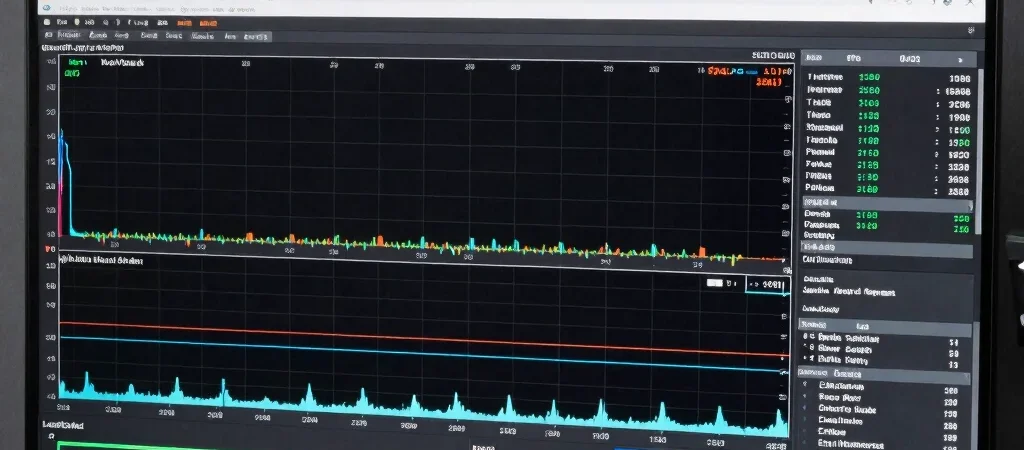
A counter showing an average of one hundred frames per second feels sluggish if every tenth frame takes forty milliseconds to render. Erratic delivery makes competitive movement feel disconnected and ruins aiming consistency. Tuning game visual settings should focus on flat, predictable frame pacing rather than vanity benchmark numbers.
Isolating Volumetric Lighting and Shadow Calculations
Volumetric fog, screen-space reflections, and dynamic contact shadows disproportionately punish graphics compute units during chaotic action. Stepping these three specific parameters down from ultra to medium reduces sudden rendering spikes by up to thirty percent with almost no perceptible loss in visual clarity during active motion. Texture resolution, by contrast, can almost always remain high as long as your video memory buffer has sufficient breathing room.
Locking Frame Rates to Hardware Refresh Windows
Letting a GPU run completely uncapped creates wild temperature swings and inconsistent input latency. Instead, set a system-level frame cap two to three frames below your monitor refresh rate when running variable refresh rate displays. This keeps your pipeline inside the active synchronization range, eliminates display tearing, and prevents input queue buildup.
The Single-Setting Verification Rule
Never adjust five graphic toggles at once. Change one setting, run a reproducible benchmark or standard gameplay path, and check the frame time graph for variance. Methodical testing tells you precisely which setting caused stability problems, turning optimization into a repeatable procedure rather than guesswork.